BERTONEWS
About Us
Contact US
Privacy Policy
Terms & Conditions
Games
Blogs
Advertisement
ALL GAME
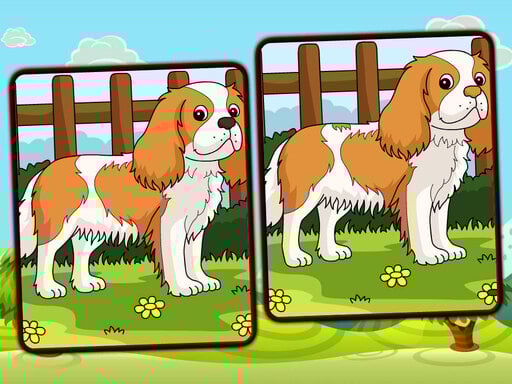
Dogs Spot The Differences
Instruction:
Use your mouse or touchpad to click or tap on the subtle distinctions in charming scenes
Puzzle
5.0
Fantasy Forest 2
Instruction:
mouse
Bejeweled
4.2
Girls Christmas Ball
Instruction:
Desktop Mouse click and drag to play Mobile Tap and slide to play
Girls
4.4
The Racing Crew
Instruction:
Use Arrow Keys to control the car and Drag mouse for camera
Racing
4.3
Goal Finger Soccer
Instruction:
Mobile Touch PC Mouse
Sports
4.6
Boxes Wizard
Instruction:
Arrow keys or WAD and SPACE
Puzzle
4.5
Telekinesis Attack
Instruction:
Control by pulling enemies just hold down the mouse button on the enemy and pull him in different directions to defeat the enemy just throw him in any direction
Shooting
4.8
Taxi time
Instruction:
Mouse click or tap to play
Racing
4.2
Grand Crime Auto VI
Instruction:
WASD - move F - fly Space - jump
Adventure
4.3
Stickman Shooter Bros
Instruction:
Movement WASD and Arrow Keys
Shooting
4.2
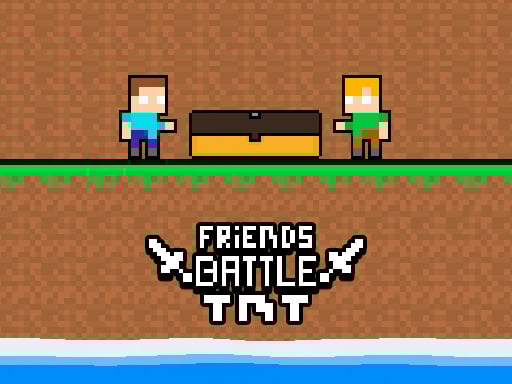
Friends Battle TNT
Instruction:
The red player moves using the WASD keys The blue player moves using the arrow keys Collect the TnT and bring it to the chest
Arcade
4.6
Guessmaster Bingo
Instruction:
Mouse click or tap to play
Hypercasual
4.9
Celebrity Social Media Adventure
Instruction:
Left Mouse Button Click
Girls
4.0
Cute Budgie Puzzle
Instruction:
Use mouse to play
Puzzle
4.7
Grand Skibidi Town
Instruction:
WASD - Move LMB - Shoot RMB - Aim R - Reload G - Grenade Space - Jump
Shooting
5.0
Shark Dominance io
Instruction:
PC Movement mouse Speed D key Mobile Movement touch Speed second touch
Arcade
4.2
Valentines Makeup Trends
Instruction:
Use your mouse to play this game on desktops or tap to play on mobile devices
Girls
4.4
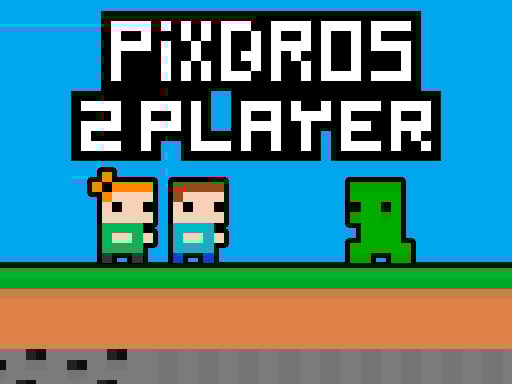
PixBros 2 Player
Instruction:
Played with WASD Arrow Keys Mobile touch control is available Double jump available
Arcade
4.3
Longboard Crasher
Instruction:
A-D to move characters for mobile use button from the game
Hypercasual
4.1
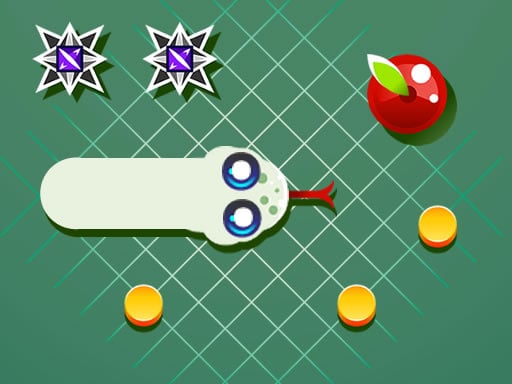
Funny Snake
Instruction:
Use your mouse or tap on the screen or use the left and right arrow keys on your keyboard
Arcade
5.0
<
1
2
3
4
5
6
7
8
9
10
11
>